Year in Review: The Best Free Web Image Editing Tools
We're closing out the year with our definitive roundup guide. Discover how to keep your website lightning-fast and your images protected using the standout utilities in the OmniPixy suite.
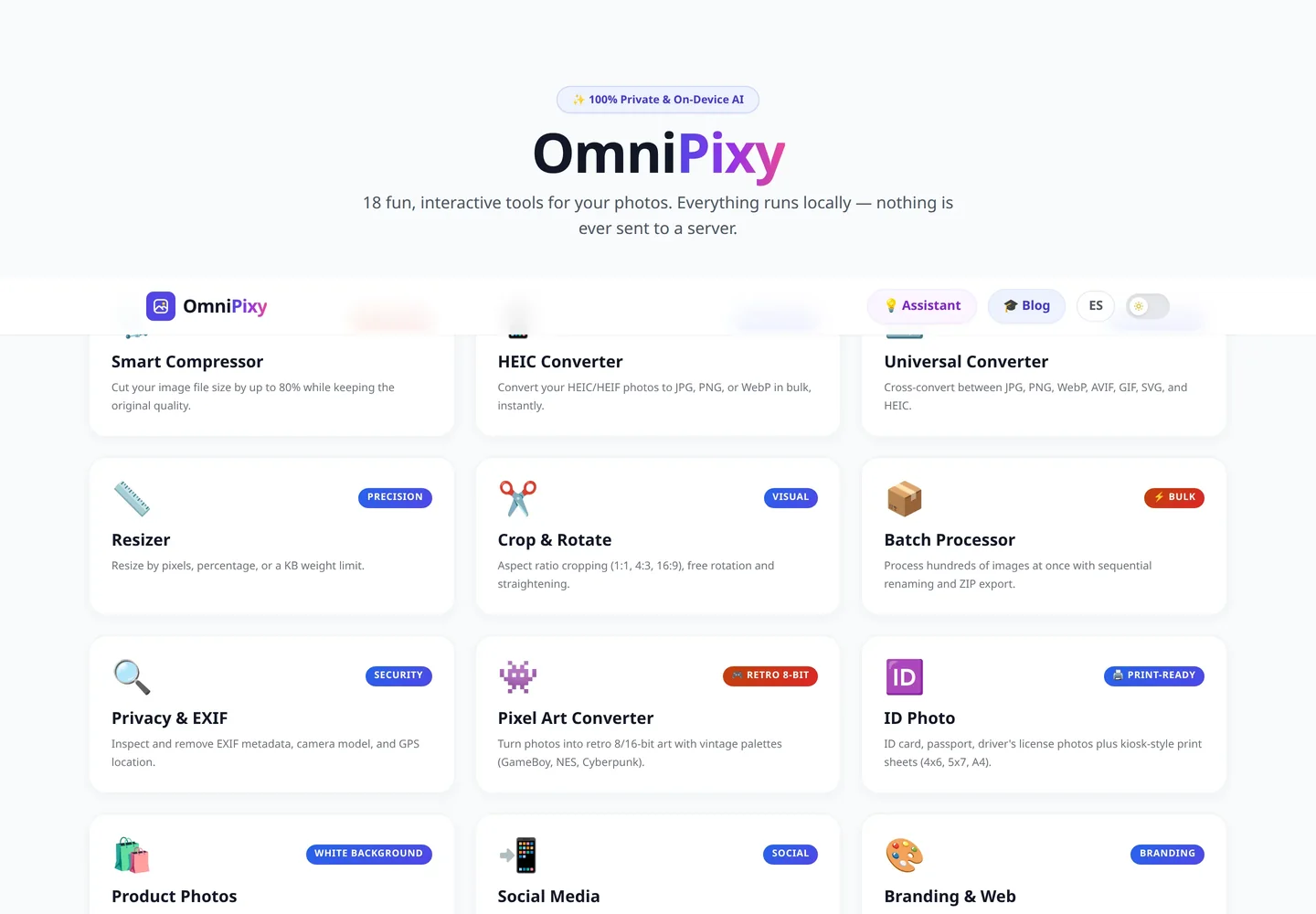
1. The 5 Essential Tools for Webmasters
- Multi-format Smart Compressor.
- Bulk HEIC to JPG/WebP Converter.
- Resizer with aspect ratio locking.
- EXIF/GPS Metadata Viewer and Cleaner.
- Watermark and Branding Generator.
Try the Entire OmniPixy Suite
15 visual editing tools, 100% free, private, and with no sign-up.
Compress my images nowA Detailed Guide to Performance and User Experience
Web performance in 2026 is one of the most decisive pillars for the success of any digital strategy. When a user opens a page on a mobile device or a connection with limited coverage, every millisecond of delay in downloading media assets exponentially increases the chance they'll leave. Optimizing images isn't just about saving server space — it's about delivering a smooth, instant experience to every visitor.
Local processing through browser-based tools like the OmniPixy suite makes a fundamental difference compared to traditional platforms. By running all compression, conversion, and resizing algorithms 100% natively on your device via WebAssembly and modern JavaScript, your confidential photos and documents are never transmitted to third-party servers, keeping you in full control of your privacy.
Core Principles for Visual Optimization
- Exact dimension matching: Always export the image at the maximum resolution the on-screen container will actually need. Avoid uploading 4000-pixel photos for an 800-pixel space.
- Strategic format selection: Use WebP and AVIF for everyday web design thanks to their superior compression, and reserve JPG for guaranteeing compatibility with older tools or physical printing.
- Accessibility metadata: Write clear, contextual alt text to improve search engine rankings and ensure accessibility for screen-reader users.
- Standard color profile preservation: Confirm your files use the sRGB color space to prevent visual tones from shifting when displayed on different monitors or mobile screens.
W3C Standards and the Future of Digital Imagery
With the rapid evolution of OLED mobile screens and high-resolution 4K/8K monitors, the standards defined by the W3C consortium for web graphics increasingly emphasize adaptive visual experiences. Adopting optimized workflows through OmniPixy's local tool suite ensures your website strictly meets the accessibility, internationalization, and response-speed recommendations demanded by leading search engines.
Advanced Media Optimization and Web Performance Strategies
In the highly competitive 2026 web landscape, efficiently delivering visual assets isn't just good development practice — it's a make-or-break requirement for commercial success and organic ranking. Search engines like Google decisively prioritize websites that deliver smooth experiences, minimal response times, and strict compliance with Core Web Vitals metrics.
By using OmniPixy's local tool suite, all graphic processing (format conversion, smart compression, dimension adjustment, and metadata cleanup) happens directly in your own browser's RAM using technologies like WebAssembly and the Canvas API. This eliminates any dependency on external servers, guaranteeing maximum execution speed while protecting the privacy of your files and personal photos 100%.
Essential Best Practices for Webmasters
- Adaptive resizing: Define responsive containers and export images at the exact dimensions needed for mobile and desktop screens.
- Next-generation formats: Adopt WebP and AVIF to reduce your visual assets' weight by up to 80% compared to traditional JPG.
- Accessibility and alt markup: Include clear, natural alt text descriptions on every image to improve SEO indexing and accessible navigation.
- sRGB color standardization: Confirm your photos use the sRGB color space to avoid tone discrepancies across monitors from different manufacturers.
Frequently Asked Questions (FAQ)
Where do I start if I only have five minutes?
With the compressor: it is the tool that removes the most weight with the least risk. Compressing the images on the home page and the three most visited pages is usually the biggest saving per minute spent.
Do I need to install anything to use these tools?
No. They open in the browser and process the file on your machine, with no sign-up. The only download is the AI models the first time you use colourisation or background removal.
Can I chain several tools on the same image?
Yes, and this is the order to use: crop or resize, then remove background or colourise, and compress last. Compressing before resizing is wasted work.
Conclusion
Maintaining an optimized visual strategy with the OmniPixy suite is the best technical decision to ensure lightning-fast loading, maximum privacy, and the best possible SEO ranking.
To dig deeper into where visual design is headed, also read our design and format trends for 2027.